

RGB Controllers Not Working
Problem
Section titled “Problem”Devices such as RGB fans, LED strips, or waterblocks are not working or are pulsing incorrect colors.
Solution
Section titled “Solution”Many types of RGB controllers require additional configuration to function properly. You can identify these devices by the yellow symbol that appears on their icon on the Devices page.
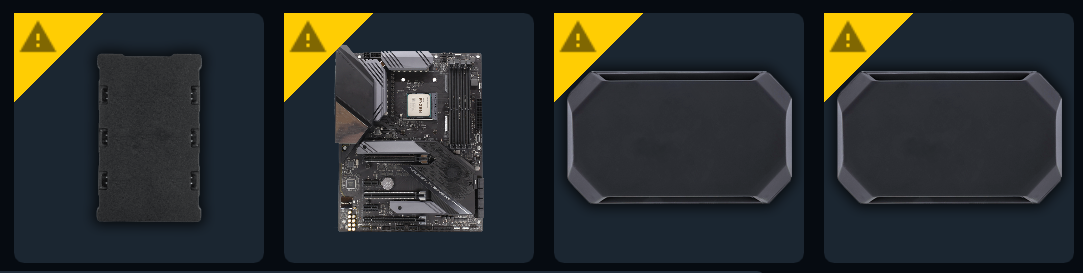
Please ensure your RGB controllers have been configured with the correct components by following this guide.
For a full and up-to-date list, see all supported controllers on our website.
Controller Not Showing Devices (USBDeview Fix)
Section titled “Controller Not Showing Devices (USBDeview Fix)”If your controller appears in SignalRGB but devices connected to it are not detected or the controller is not recognized at all, a USB device conflict may be preventing Windows from enumerating it correctly. Use USBDeview to clear stale USB entries:
- Download USBDeview from NirSoft (free utility).
- Run USBDeview as administrator.
- Find your controller in the list. Look for entries related to your controller’s name or USB VID/PID.
- Right-click the entry and select Uninstall Selected Devices.
- Unplug the controller from USB, wait 10 seconds, then plug it back in.
- Windows reinstalls the driver. Open SignalRGB and check if the controller now appears correctly.
If the controller still does not appear, try a different USB port or use an internal USB hub to avoid sharing bandwidth with other devices.