Playlists
What Are Playlists?
Section titled “What Are Playlists?”Playlists let you automatically cycle through multiple lighting effects over time. Instead of staying on one effect permanently, your lighting transitions through a sequence of effects at a set interval.
This is useful for adding variety to your setup without manually switching effects. You can build a playlist once and let SignalRGB handle the rest.
Creating a Playlist
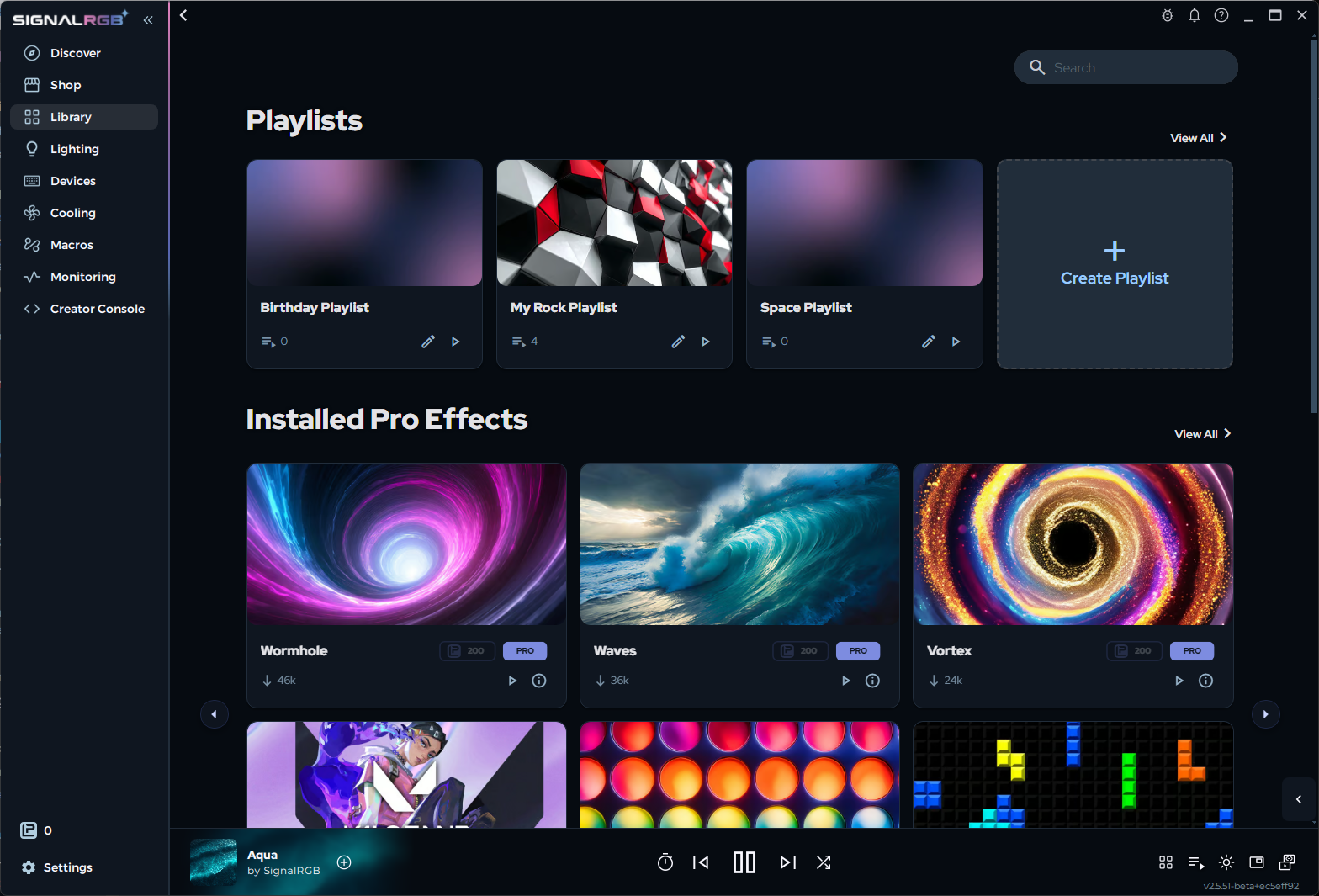
Section titled “Creating a Playlist”- Open the Library tab in the left sidebar.
- Click the Playlists section or the New Playlist button.
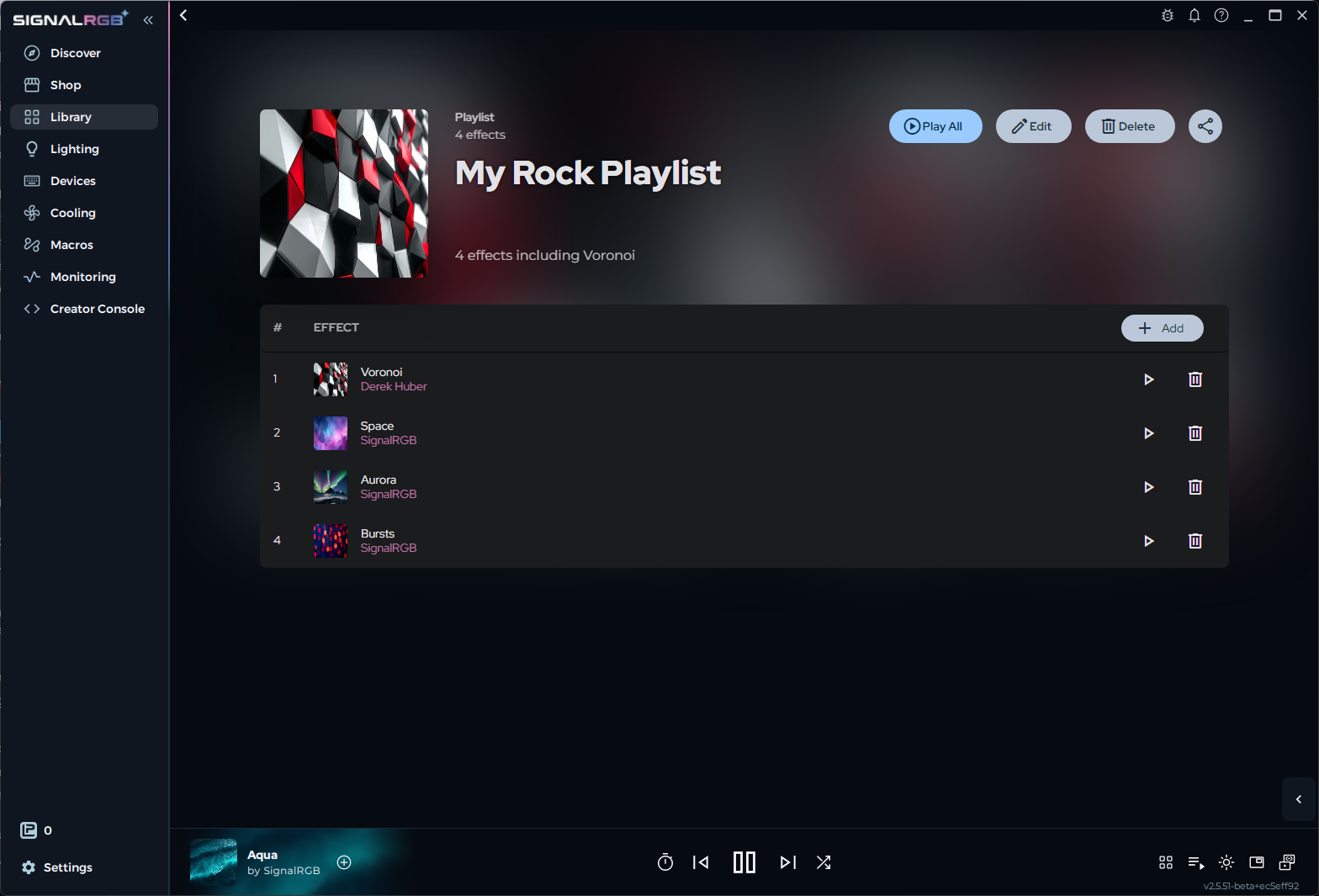
- Browse the Library and click Add to Playlist on any effect you want to include.
- To control how long each effect plays before switching, use the Clock icon on the Effect Player at the bottom of the app. See The Effect Player for details.
- Save the playlist, then activate it to start cycling.
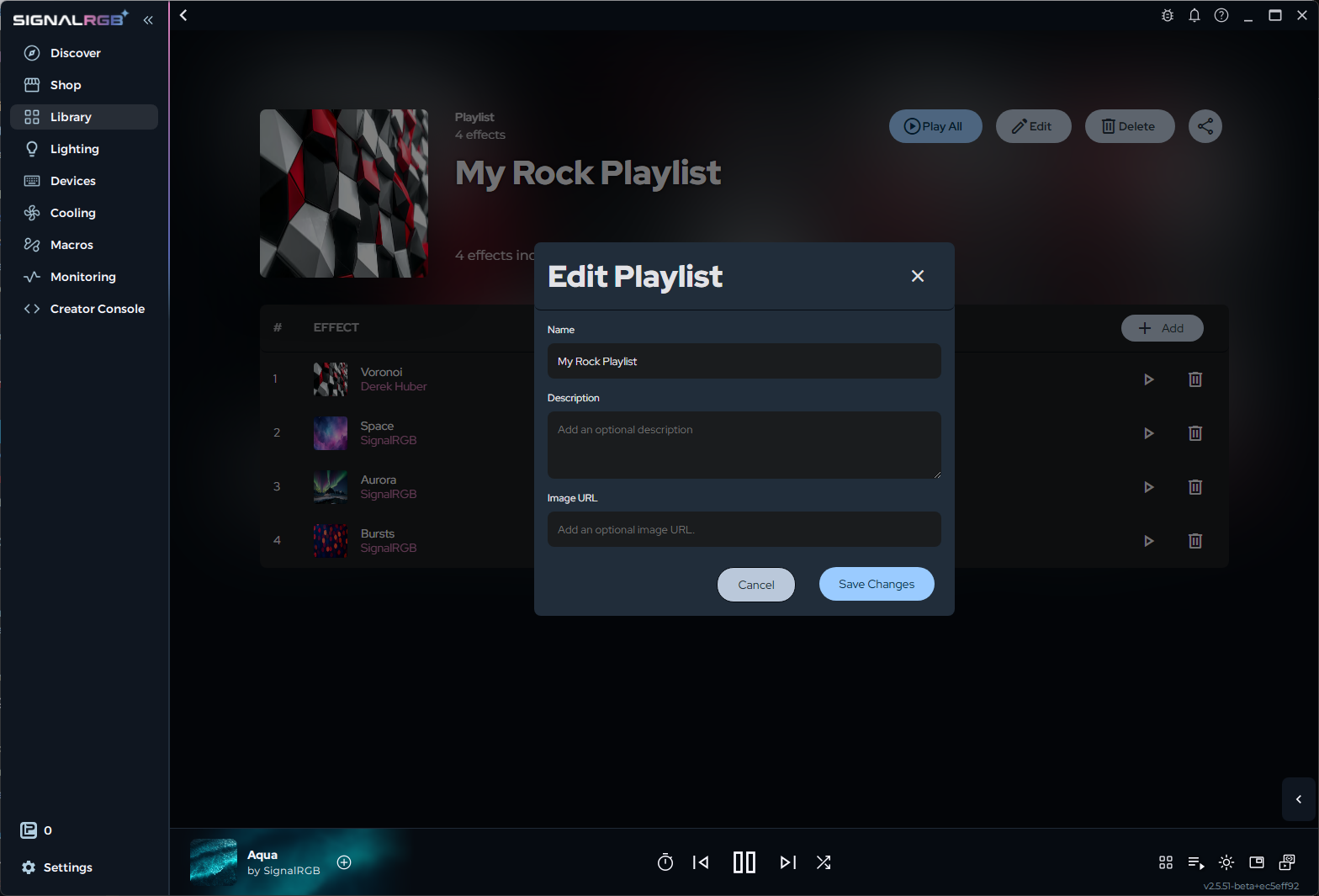
You can edit the Name, Description, and Image URL of the playlist in the playlist settings.