

Components
Este conteúdo não está disponível em sua língua ainda.
Components simply refers to any devices that are connected to RGB controllers or motherboard headers such as RGB fans, strips, water blocks, CPU coolers, case lighting and more. All Components must be configured manually. SignalRGB has no way of knowing what is connected to each controller/header.
Everything that needs configuration will appear at the top of the devices page:
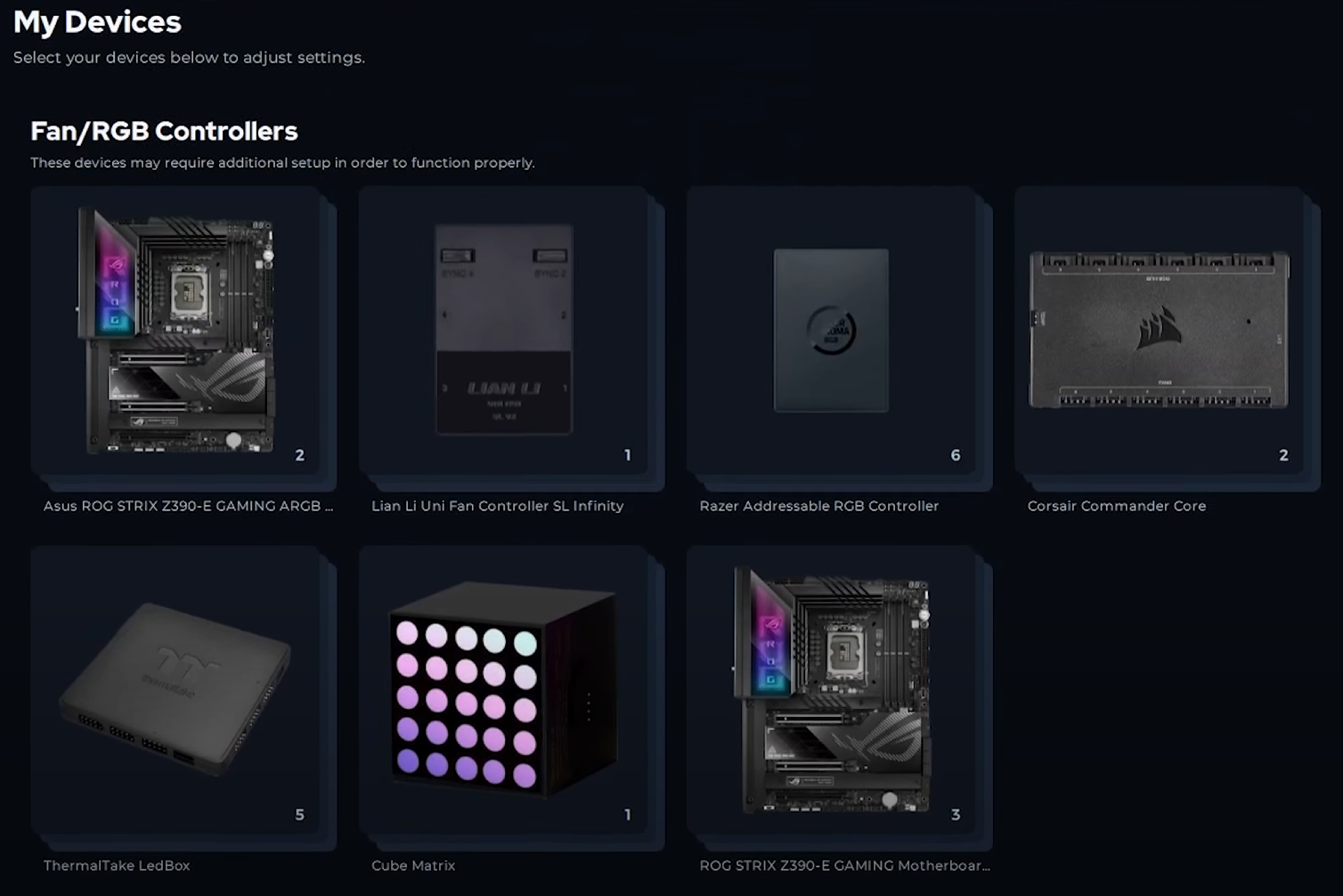
Clicking on a device takes you to its page where you can configure components and other settings:
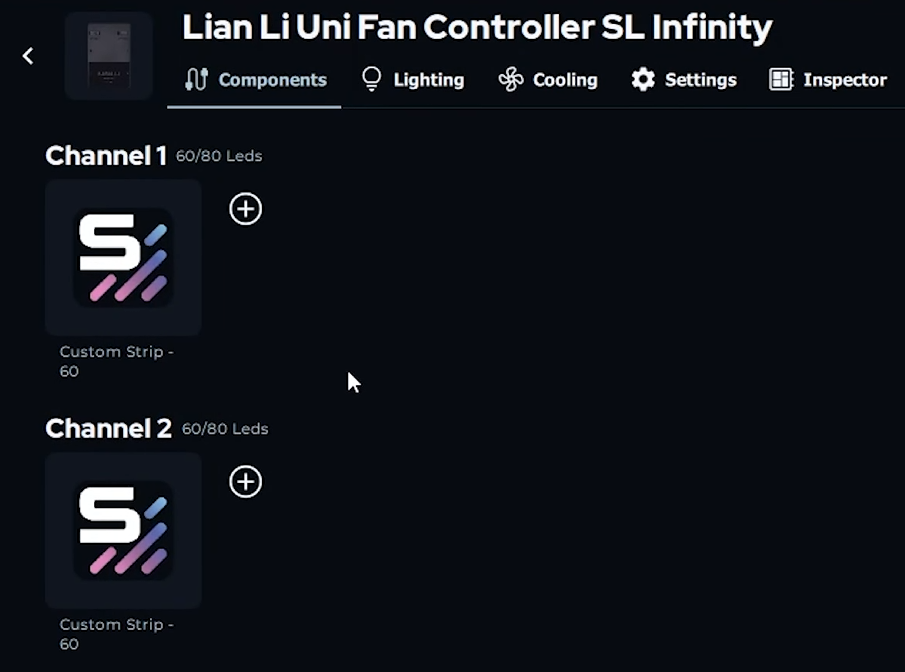
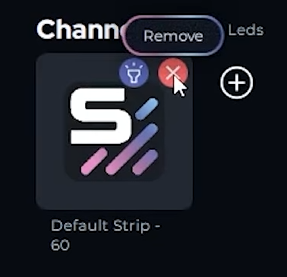
Every RGB controller and motherboard header will have default strips which are there as place holders until you specify which components are connected. You need to hover over these strips and remove them before adding your components to each channel.
Depending on the type of RGB controller, there will be one or more channels available. You can identify what devices are connected to each channel by the color of the pulsing effect. In the example below, you can see that the strip at the front of the case is pulsing red which corresponds with channel 1. Since there is nothing pulsing blue in the PC then it means there is nothing connected to channel 2.
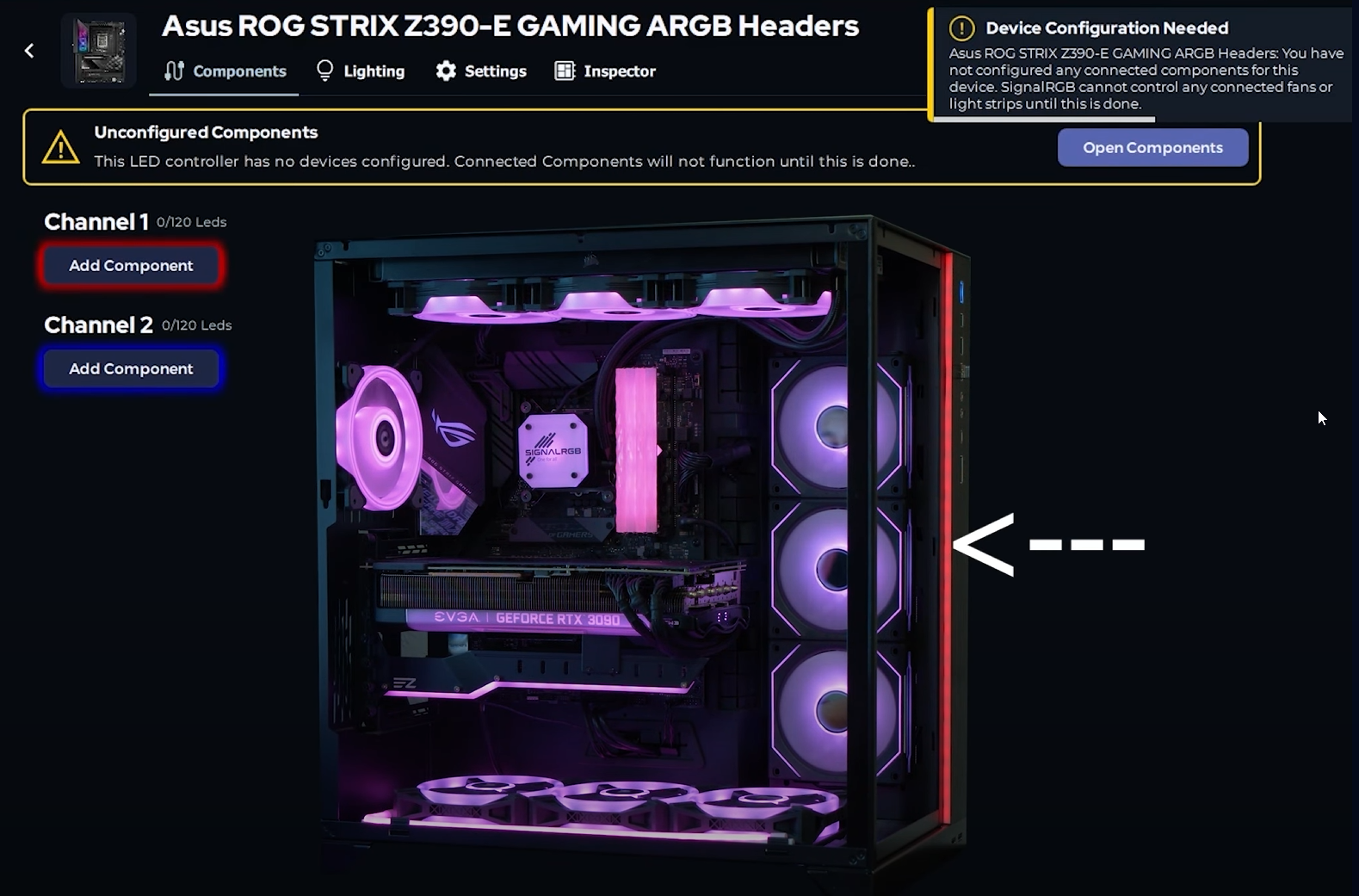
Now that you have identified what components are connected to each channel, you can begin adding components. Click “add component” under the channel you would like to add the component. There will be a menu with a list of components that can be added:
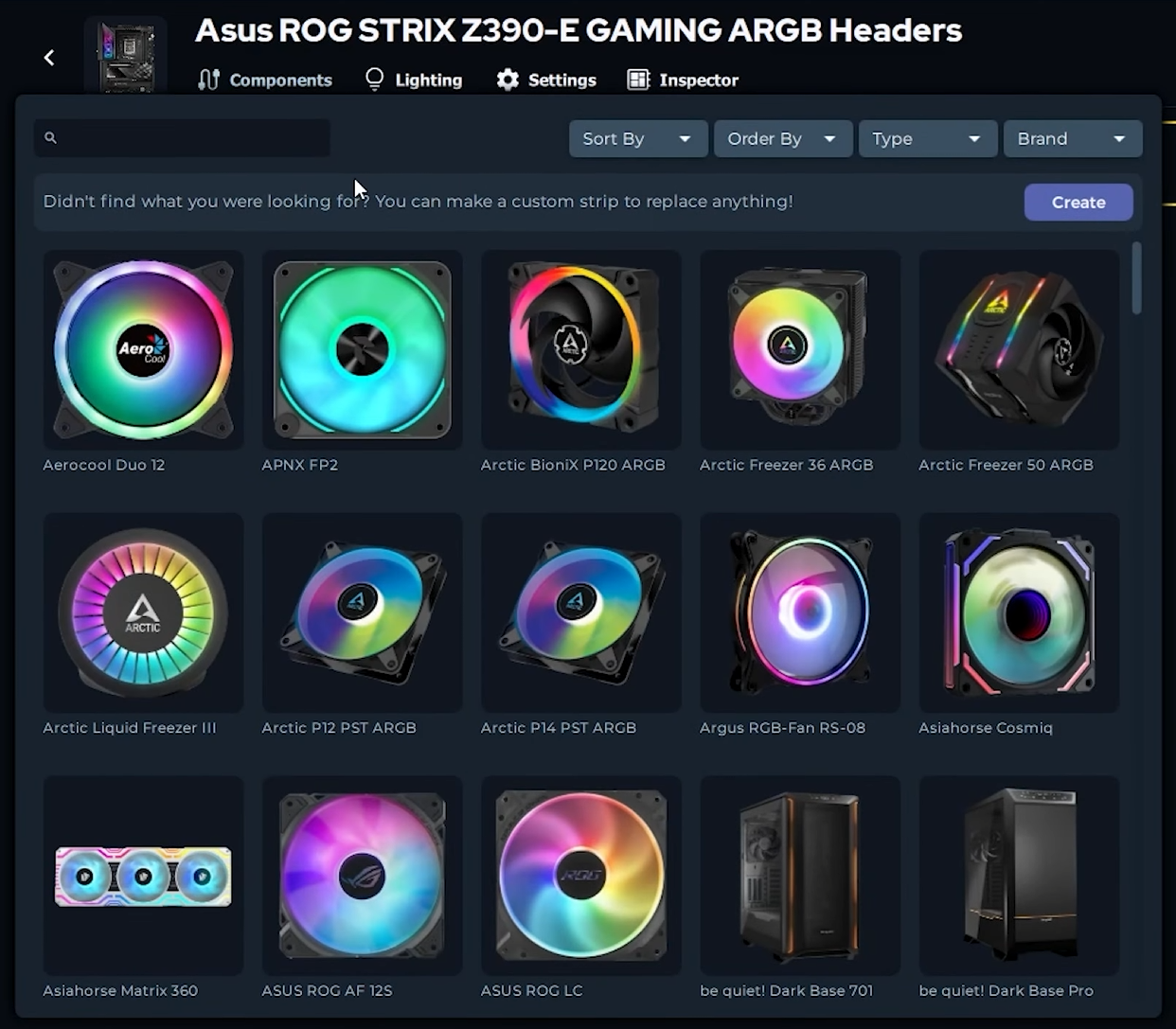

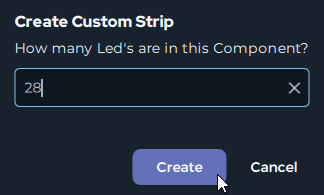
If the component you need isn’t listed, then you can create a custom strip with the necessary LED count:

Continue with this process until all of your components have been added into SignalRGB.